You haven't signed in yet, you can have a better experience after signing in
*Please complete the payment within {{receiveCouponInfo.expire_at}}Previous use*
You haven't signed in yet, you can have a better experience after signing in



Activity Rules
1、Activity time:{{ info.groupon.start_at }} ~ {{ info.groupon.end_at }}。
1、Activity time:cease when sold out。
2、Validity period of the Group Buying:{{ info.groupon.expire_days * 24 }} hours。
3、Number of Group Buying:{{ info.groupon.need_count }}x。
Please Pay Attention
1、Teamwork process: Join/initiate a Group Buying and make a successful payment - Within the validity period, the number of team members meets the activity requirements - Group Buying succeeded!
2、If the number of participants cannot be met within the valid period, the group will fail, and the paid amount will be refunded in the original way.
3、The number of people required and the time of the event may vary among different products. Please pay attention to the rules of the event.
FliTik Flip Clock Beauty and Strength Coexistence Tool Software


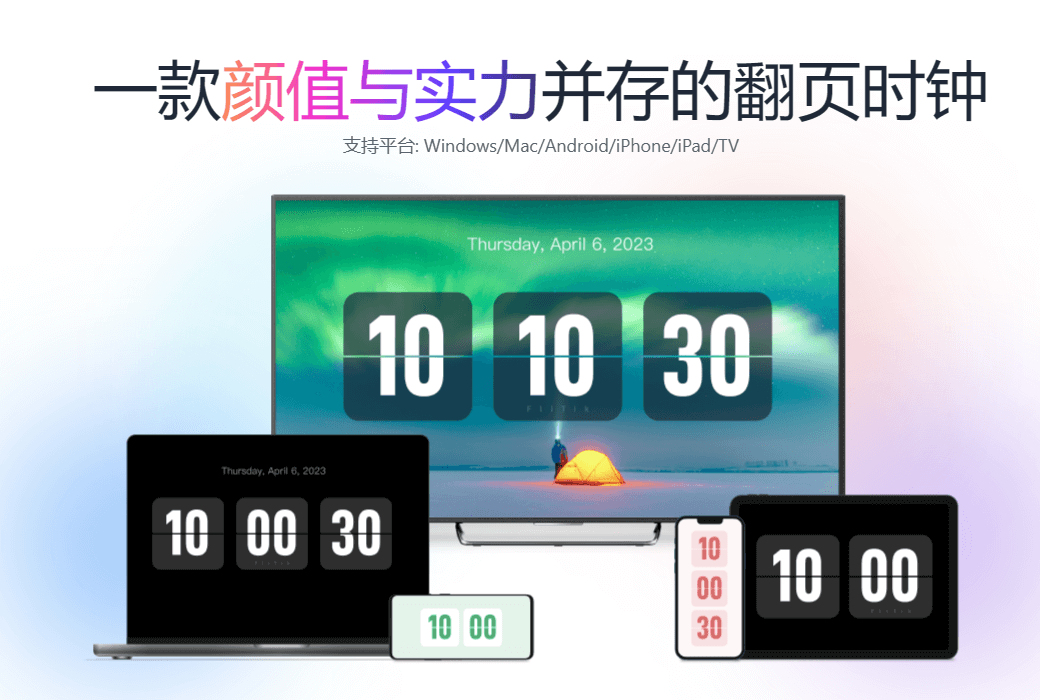
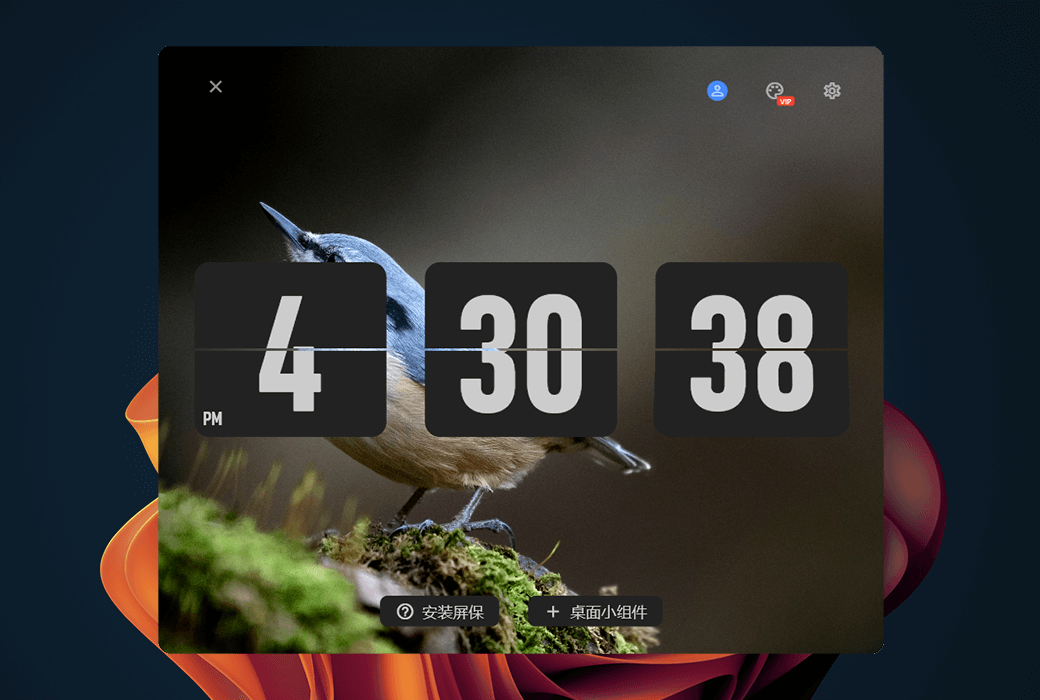
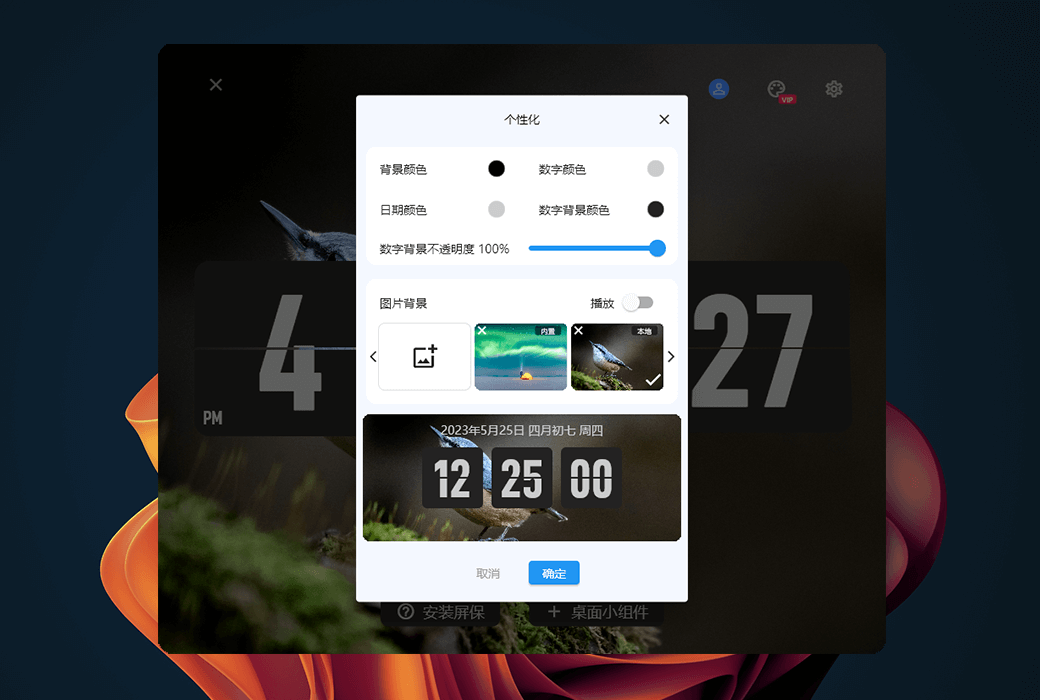
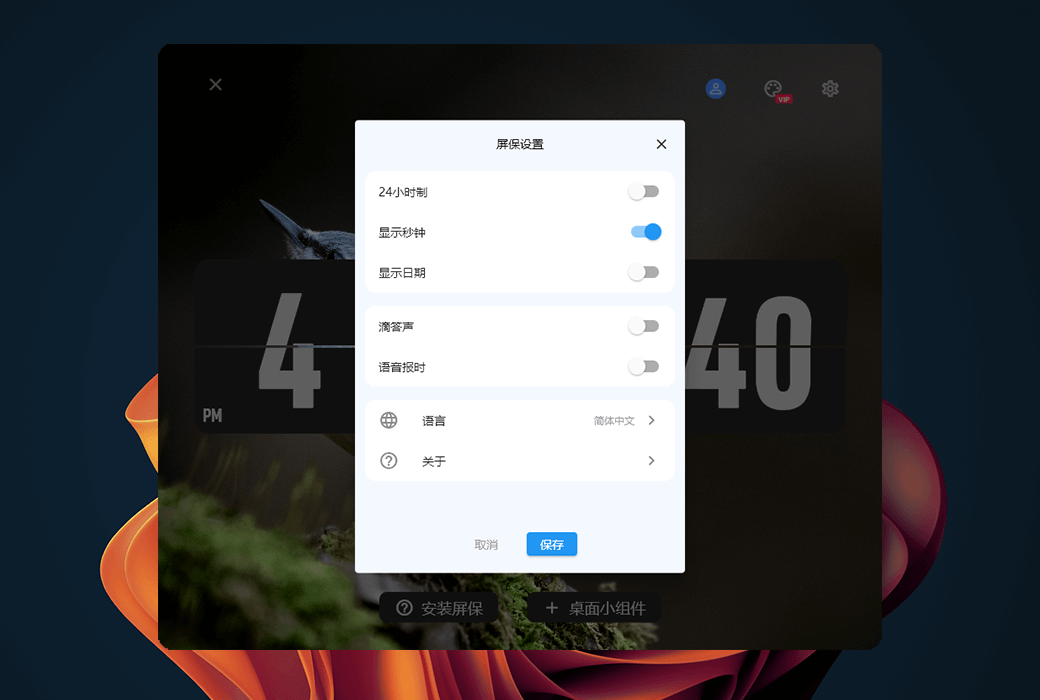
Flitik page turning clock is a page turning clock application that supports all platforms, with an elegant user interface and page turning animation effects.
Even from a distance, you can easily check the time because the large number display is very clear and easy to read. Whether you are using a desktop computer (Windows/Mac), mobile phone (Android/iOS), tablet (Android Pad/iPad), or TV, you can easily use this application.
Function Introduction:
Official Website:https://www.flitik.com/
Download Center:https://flitik.apsgo.cn
Alternate Download: N/A
Shipping Time: Automatic shipment within 24 hours
Operating Platforms: Windows, macOS, iOS, Android, HarmonyOS, TV
Interface Language: Supports Chinese interface display, with multiple languages available.
Update Instructions: Use and updates during the subscription period.
Trial Before Purchase: Free trial available before purchase.
How to Receive the Product: After purchase, the activation information will be sent to the email used for ordering. You can also view the corresponding product activation code in your personal center, under "My Orders".
Number of Devices: You can activate and use the software on all your devices by logging in with your account.
Changing Computers: Uninstall on the old computer and activate on the new one.
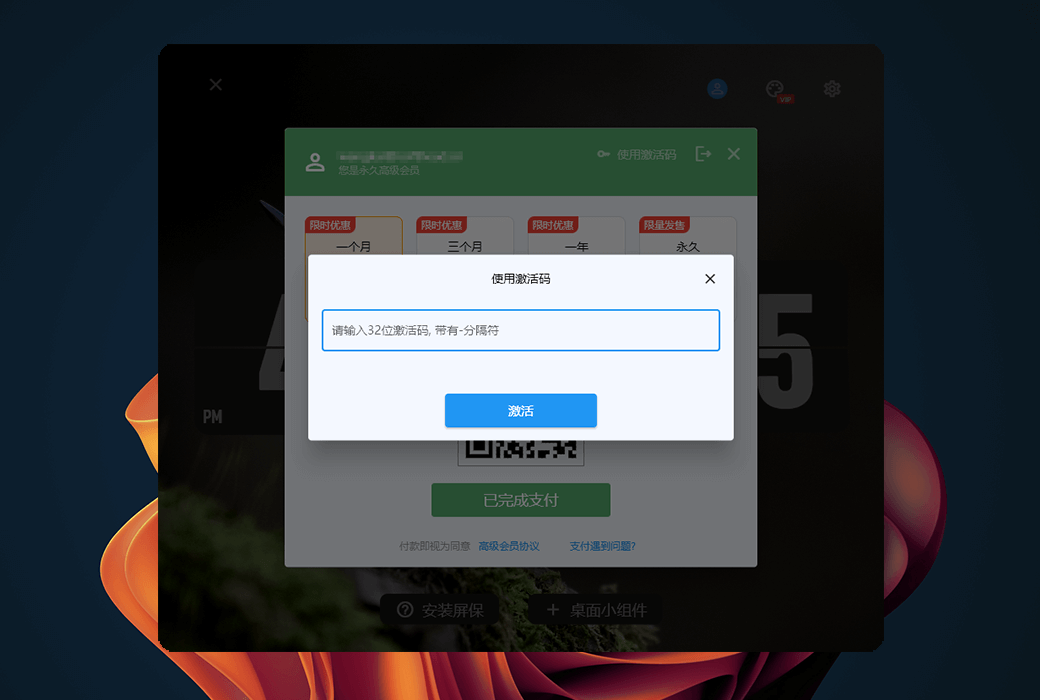
Activation Guide: Download and install the software, register and log in with your account, click to use the activation code, copy and paste the activation code to activate. After activation, you only need to log in with your account to activate the software.
Special Instructions: To be added.
References: To be added.

Any question